Green and blue text on a black background. This is the IBM i “green screen” I know so well.
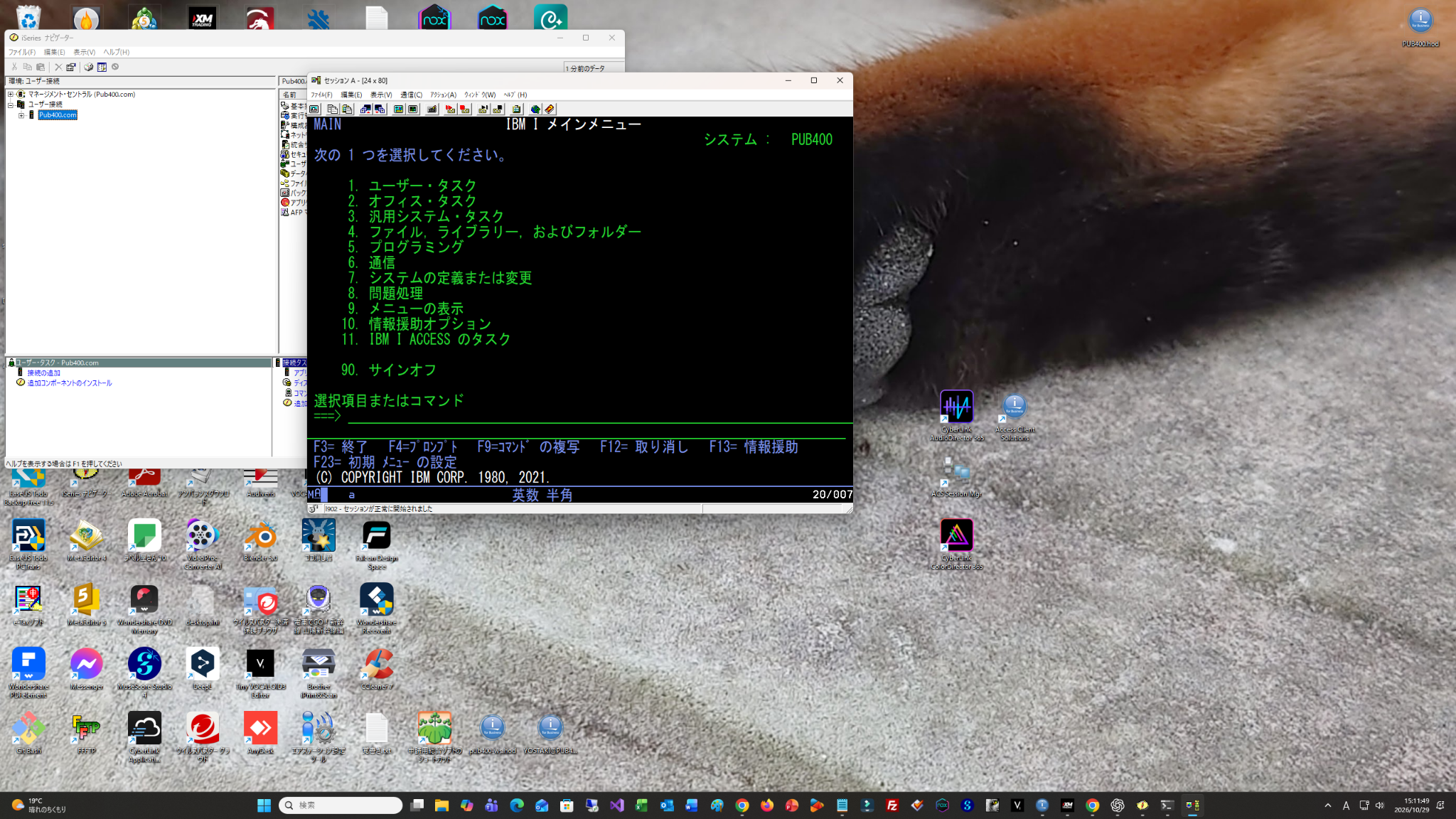
I had connected to PUB400 using PC5250. Now to make the window a little larger.
But when I maximised it, the text display became a tall, narrow area in the middle. Large margins remained on both sides.
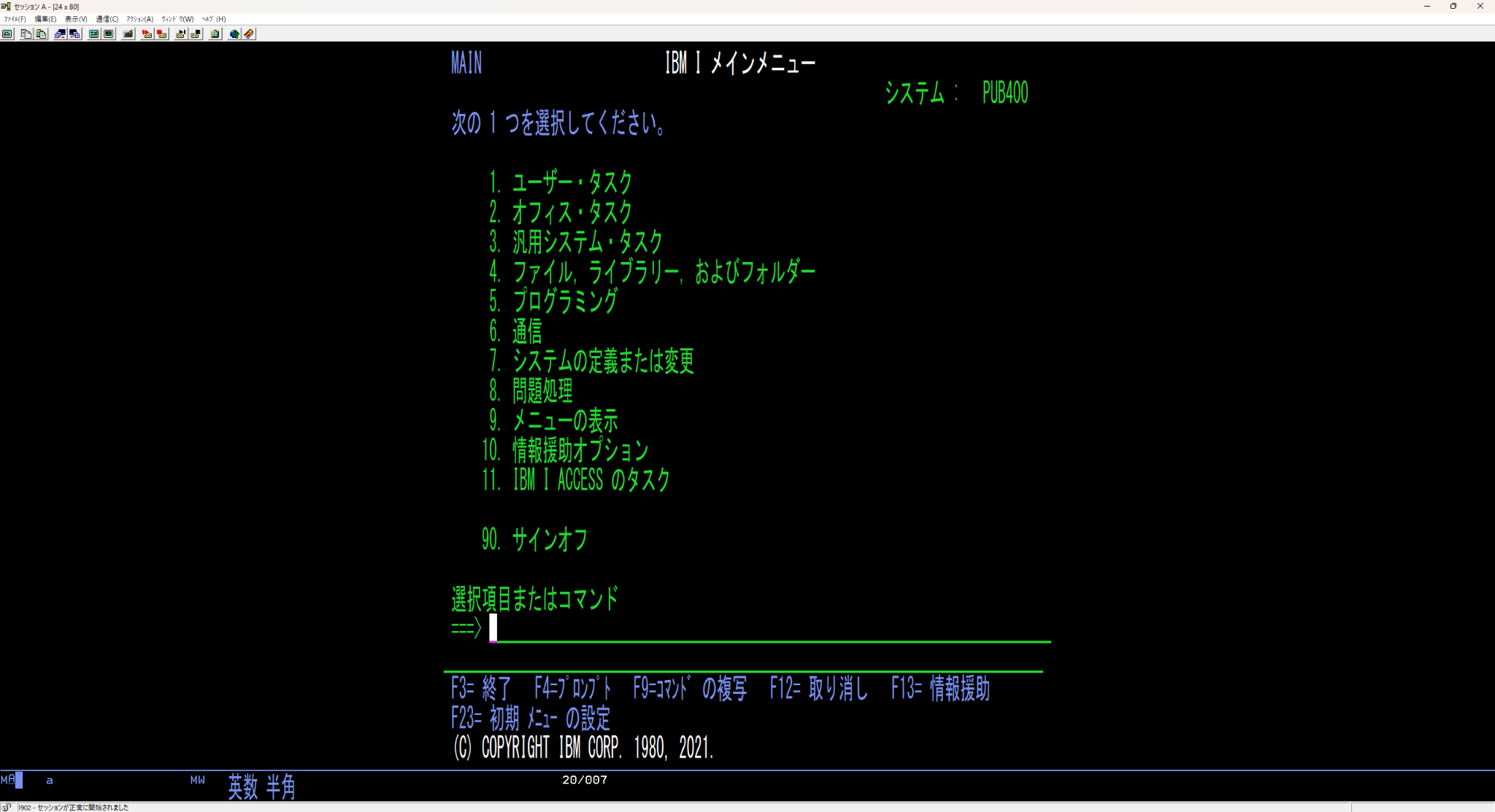
I was connected, but I could not get the window to the size I wanted.
One small success, followed by the next small inconvenience.
So I decided to try ACS for the connection instead.
ACS stands for IBM i Access Client Solutions. It is an IBM tool that includes a 5250 emulator for working with IBM i’s character-based screens on a computer.[1]
In my environment, switching to it resolved the display problem without any fuss.
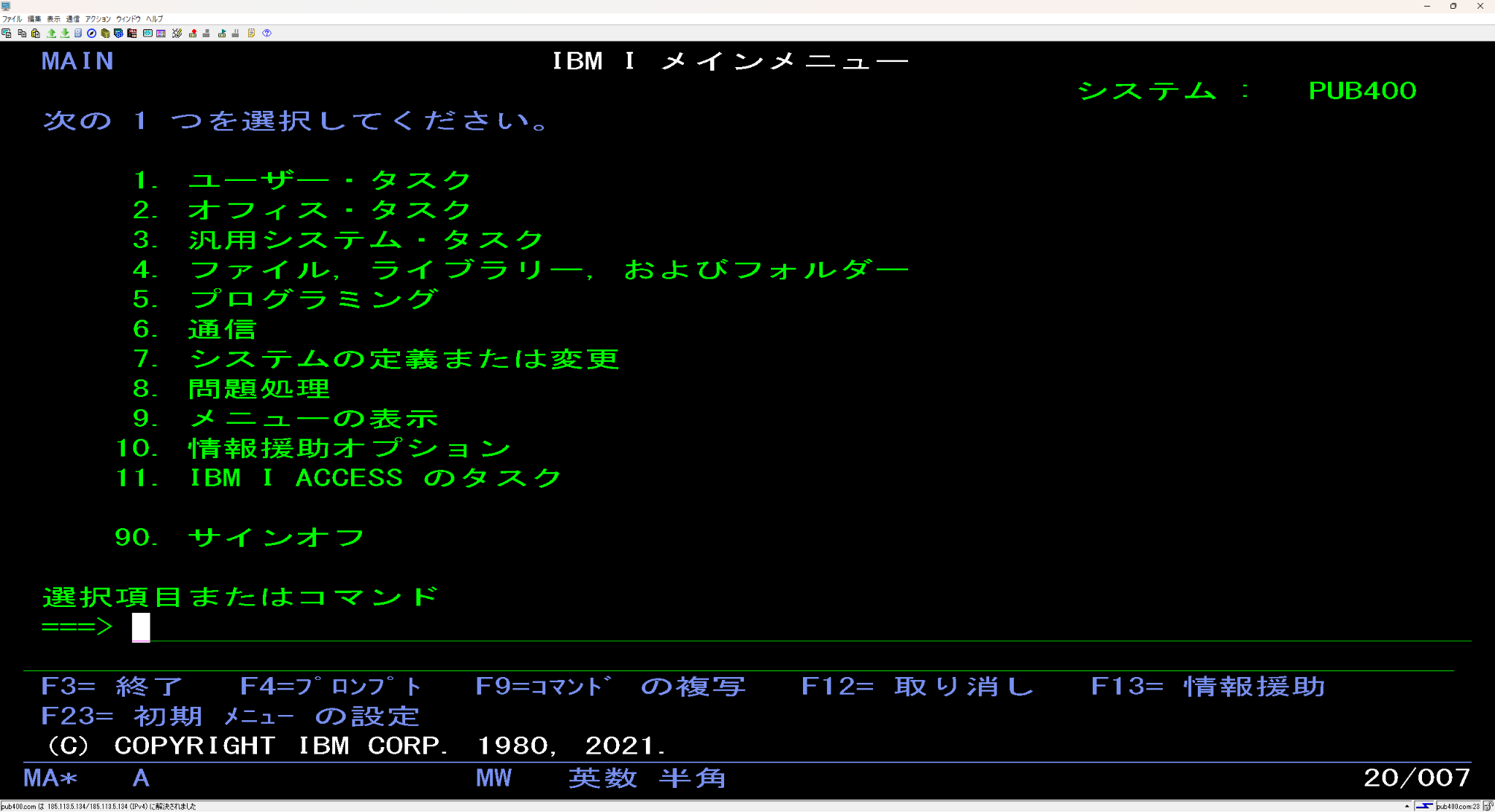
The same IBM i main menu now spread across the width of my high-resolution screen. That felt much more comfortable to use.
“It just sorted itself out with ACS. (Laughs.)”
I had not been preparing for a major battle, but it was still a pleasant surprise when things worked so easily.
Next, I wanted to change the username initially displayed in the small login window. I worked through the settings, and eventually I could start using the session by clicking an icon.
What I wanted to do was connect to IBM i and work on its screens.
I had made that entry point more convenient on my own computer.
Being attached to a familiar screen and reconsidering the tool used to reach it could go together quite comfortably.
Before thinking about what to do inside IBM i, having a window that felt comfortable to use mattered too. It was part of getting ready to work.
My final reaction was:
“Nice! I’m using the green screen I know so well.”
The tool at the entrance had changed.
Beyond it, the familiar green screen was waiting.
This is an account of my own environment. It does not establish why PC5250’s window stopped expanding horizontally, or that switching to ACS will produce the same result in every setup.
Reference
[1] IBM: IBM i Access — Client Solutions — ACS overview and 5250 emulation features. Checked on 29 October 2026.